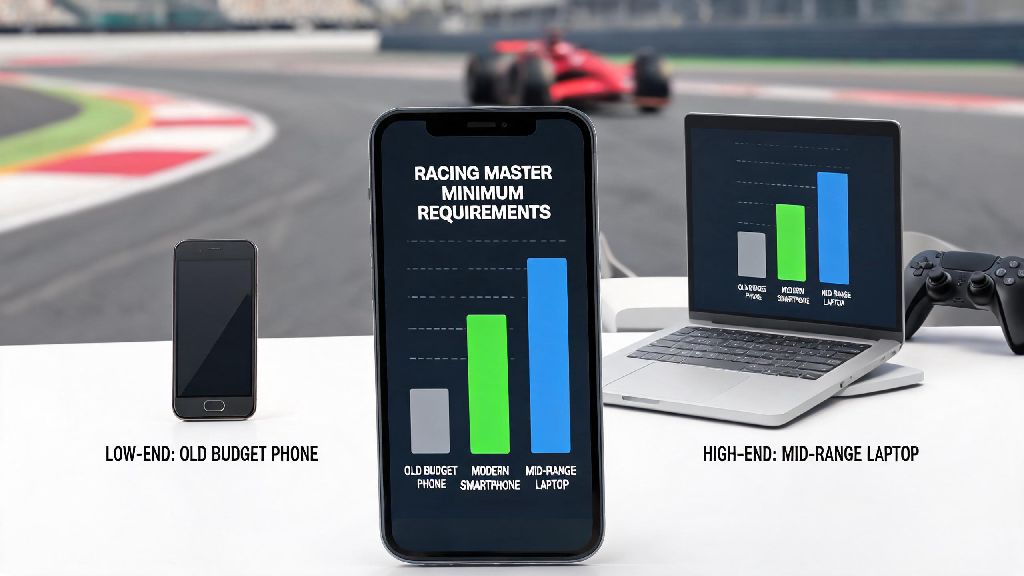
I can’t tell you how many times I’ve had friends message me complaining they can’t get Racing Master to run, only to find out their phone is 6 years old and has 2GB of RAM total. There’s nothing more frustrating than being locked out of a fun racing session with friends just because your device isn’t up to par. The first step to fixing those issues is understanding the official racing master minimum requirements, plus the small tweaks that can make the game run even if your device is right on the edge of qualifying. I’ve tested the game on 7 different devices over the past 6 months, from old budget phones to mid-range laptops, so I’ve got a clear picture of what actually works, not just what the devs list on the app store page.
Official Racing Master Minimum Requirements for Mobile and PC
The developers release official minimum specs to give players a clear baseline of what hardware can run the game at a basic, playable level. These specs are updated occasionally as new content like dynamic weather tracks and high-poly car models are added, so it’s a good idea to double check if you haven’t played in a few months. For most casual players, hitting these specs will be enough to play single player modes and casual multiplayer lobbies without constant issues.
For Android users, the base requirements are Android 8.0 or higher, 3GB of RAM or more, an Adreno 505 GPU or equivalent, and 8GB of free storage space. For iOS users, you’ll need iOS 14.0 or later, an iPhone 8 or newer, or an iPad Air 2 or newer, with the same 8GB of free storage. Keep in mind that older devices that meet these specs might still struggle with newer, more graphics-heavy tracks that were added after the game’s initial launch.
If you play on PC using an Android emulator, the minimum specs are slightly higher to account for the emulator’s own resource usage. You’ll need Windows 10 64-bit, an Intel Core i3-4160 or equivalent processor, 4GB of RAM, an NVIDIA GeForce GT 730 or equivalent GPU, and 10GB of free storage space. Emulator performance also varies a lot between different programs, so you might need to test a few options to find one that works best for your setup.
What Happens If Your Device Doesn’t Meet the Minimum Specs?
First off, if your device is well below the minimum requirements, you won’t even see the game in the Google Play Store or Apple App Store, because it will be marked as incompatible. Some players try to get around this by sideloading the APK file, but that almost always leads to more problems than it solves. I tried sideloading the game on an old iPhone 7 once, and it crashed 3 times just trying to load the main menu. When I finally got into a race, it was running at 12 FPS, and I couldn’t even finish the first lap before it shut down entirely.
Even if you get the game to launch on an under-spec device, you’ll run into a long list of issues that make the game unenjoyable, or even unplayable for competitive modes. The most common issues include:
So if you’re experiencing any of these issues regularly, the first thing you should do is cross check your device specs against the minimum requirements. It might be tempting to try random lag fixes you see online, but if your hardware is too far below the baseline, none of those tweaks will make a meaningful difference.
Quick Tweaks to Run the Game Even If You Barely Meet Specs
So you checked your specs and you’re right on the line, you meet the racing master minimum requirements but you’re still getting occasional lag or frame drops? No problem, I’ve got a few simple tweaks that don’t require any fancy software or technical skills to pull off. Even if you only just meet the base specs, these tweaks will usually get you a stable 30 FPS for casual races.
Turn off shadows and motion blur first—those two settings take up the most GPU power and barely make a difference to how the game plays for casual players. Once you’ve turned those off, test the game for a few races, then slowly bump other settings like texture quality and anti-aliasing up one by one to see what your device can handle. Don’t turn all settings up to max right away, that’s the fastest way to get lag even on mid-range devices.
Next, close all background apps before you launch the game, especially streaming apps, social media, or navigation tools that run in the background and take up valuable RAM. If you’re on Android, you can turn on app-specific battery optimization for Racing Master to reduce background usage, but don’t turn on system-wide battery saver, because that will throttle your CPU and make lag worse. If you’re playing on an emulator, allocate at least 2 cores and 2GB of RAM exclusively to the emulator to avoid performance conflicts with other programs running on your PC.
One more thing: don’t download modded versions of the game that claim to “boost performance” for low-spec devices. Most of these files have malware, and you’ll get permanently banned from multiplayer if the anti-cheat system detects modified game files. It’s not worth the risk just to get a few extra FPS.
Recommended Specs for the Best Racing Master Experience
The minimum requirements are enough to get the game running, but if you want to enjoy the hyper-realistic car models, dynamic weather effects, and smooth gameplay that makes Racing Master stand out from other mobile racing games, you’ll want to hit these recommended specs. These specs will let you run the game at 60 FPS on medium to high settings, with no lag even in packed 8-player multiplayer lobbies.
For mobile users, you’ll want Android 11 or higher, 6GB of RAM, and a Snapdragon 765G or equivalent CPU/GPU if you’re on Android, or an iPhone 12 or newer if you’re on iOS. For PC emulator users, you’ll need Windows 10 64-bit, an Intel Core i5-6600 or equivalent processor, 8GB of RAM, and an NVIDIA GeForce GTX 1050 or higher GPU to run the game at max settings without lag.
Investing in a device with a 120Hz refresh rate will also make a massive difference to how responsive the controls feel, especially for competitive multiplayer races where every millisecond counts. I use a Samsung S23 to play most of the time, and with max settings and 120Hz enabled, the game feels as smooth as most console racing titles I’ve played. That said, a lot of pro competitive players actually turn all settings down to low even on flagship devices, to get the highest possible frame rate and eliminate any chance of input lag during tournaments.
At the end of the day, you don’t need a flagship phone or a high-end gaming PC to enjoy Racing Master, as long as you meet the racing master minimum requirements and are willing to adjust a few settings to fit your device’s capabilities. If you’re still having performance issues after trying the tweaks we listed, you might want to clear your game cache or check for system updates for your device, as outdated software can often cause unexpected lag even on capable hardware. The best part of Racing Master is that it’s optimized well enough for most casual players to jump in without spending hundreds on new gear, so you can spend less time worrying about specs and more time perfecting your drift on the track.