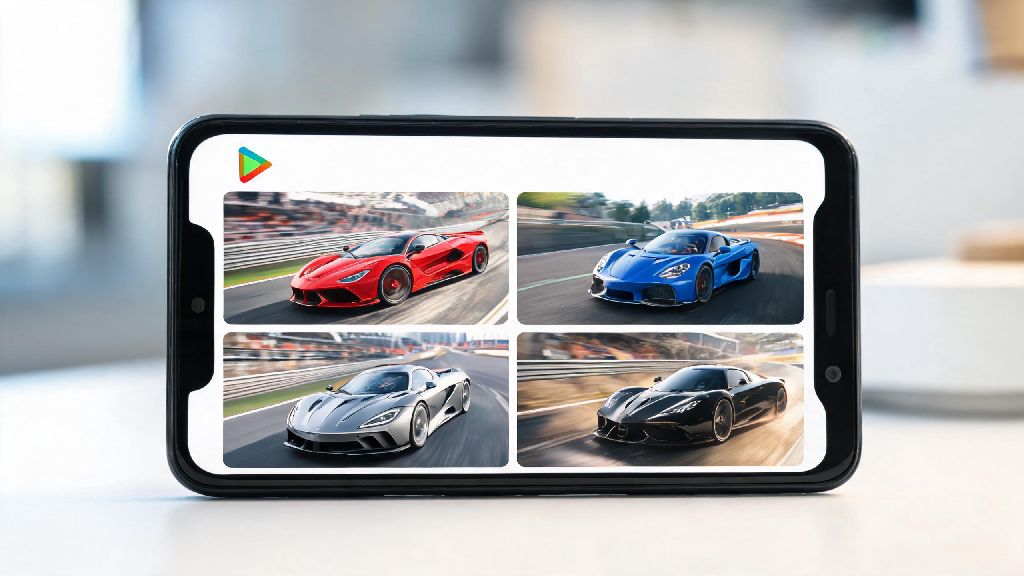
For anyone who loves hyper-realistic mobile racing games, finding a title that balances smooth controls, licensed cars, and competitive multiplayer can feel like hitting a jackpot. I’ve tested dozens of racing titles over the past three years, and Racing Master consistently stands out as one of the most polished options on the market. If you’re ready to jump in, your first step is to complete your racing master download play store installation, and this guide will walk you through every part of the process, plus share hidden tips most new players miss.
Step-by-Step Process for Racing Master Download Play Store Installation
The installation process is straightforward, but skipping small checks can lead to frustration later on. First, open the Google Play Store app on your Android device and type “Racing Master” into the search bar. Don’t click on the first result right away, take a second to verify the listing details. Always verify the official developer listing before hitting install to avoid fake copies of the game. The official listing will show NetEase Games as the developer, have a 4.3+ star rating, and over 10 million downloads as of the latest data.
Once you confirm the official listing, tap the “Install” button. The initial download is roughly 2GB, but the game will require an additional 3 to 4GB of resource files after you launch it for the first time. Don’t start the download if you have less than 12GB of free storage, as the unzipping process needs extra space to run properly. If you’re on a limited data plan, wait until you’re connected to a stable Wi-Fi network to start the process, as the full download can eat through a large chunk of your monthly allowance.
After the Play Store finishes the initial installation, you can open the game directly from the listing or your home screen. The first launch will prompt you to select your language, region, and preferred control scheme before starting the resource download. You can minimize the app during this process, but don’t close it entirely, as that will reset the resource download progress.
Common Installation Errors to Avoid After Download
Even if you follow the installation steps perfectly, you might run into small glitches that stop you from playing right away. Most of these issues have simple fixes, and you don’t need to delete and re-download the entire game to solve them. I’ve helped dozens of my community members fix these exact problems over the past year, so these solutions are tested and proven to work.
Make sure you have at least 12GB of free storage on your device before starting the installation process to avoid the most common error: incomplete resource downloads. If you run out of space mid-download, the game will save corrupted files that cause crashes every time you try to launch. You don’t need to delete all your photos to make space, even moving a few large video files to cloud storage will free up enough room for the game to run properly.
If you run into issues after installation, try these quick fixes first:
If none of these fixes work, you can reach out to the official Racing Master support team directly through the Play Store listing. They usually respond within 24 hours, and can help you resolve account-specific issues that generic fixes won’t solve. Don’t waste time scrolling through random forum threads for fixes, as most of the advice you’ll find there is outdated or incorrect.
First Things to Do After You Launch Racing Master for the First Time
It’s tempting to jump straight into multiplayer races as soon as the game finishes downloading, but that’s the worst mistake new players can make. I made this exact mistake when I first downloaded the game, and I lost my first 12 multiplayer races in a row because I skipped the tutorial and didn’t understand the control mechanics. Taking 15 minutes to run through the initial setup steps will make your first few races way more fun, and you’ll get free rewards you can’t get anywhere else.
First, complete the full 10-minute tutorial. It will walk you through basic acceleration, braking, drifting, and nitro usage, and you’ll get to test out three different cars to see which control style feels best for you. Complete the 10-minute tutorial first to unlock 3 free rare tuning parts you can’t get anywhere else – these parts will give you a huge advantage in your first few career races, and they would cost you roughly $5 worth of in-game currency if you bought them separately.
Next, run through the first 5 races in the single-player career mode. This will help you get used to the track layouts and physics before you race against real players. You can adjust your control sensitivity and toggle assists like auto-brake and steering assist in the settings menu to match your skill level. Don’t turn off all assists right away, even experienced players keep some assists enabled to make tight turns easier on mobile screens.
Finally, link your game account to your Google or Facebook account before you start playing seriously. Link your account to Google or Facebook within the first 24 hours of playing to get a free limited-edition car skin that is no longer available to players who miss this window. If you use a guest account, you’ll lose all your progress if you delete the game or switch to a new device, so linking only takes a minute and saves you a huge headache later on.
Is the Play Store Version of Racing Master Better Than Third-Party Downloads?
A lot of players ask me this question, especially if they live in a region where Racing Master hasn’t officially launched on the Play Store yet. It can be tempting to download an APK file from a third-party site to get early access, but the risks far outweigh the benefits for 99% of players. I’ve seen dozens of players lose years of progress and even have their personal information stolen from untrusted downloads, so I always recommend sticking to the official Play Store version whenever possible.
The Play Store version has a lot of benefits you won’t get from third-party downloads. First, it’s 100% safe, as Google scans all apps on the platform for malware and malicious code. You also get automatic updates, so you’ll get new cars, tracks, and event content as soon as it’s released. Any in-app purchases you make through the Play Store are also covered by Google’s refund policy, so you can get your money back if you accidentally buy something you don’t want.
The only downside of the Play Store version is that it’s not available in all regions yet. If you can’t find the game in your local Play Store, don’t try to use a VPN to download it from another region, as that can lead to your account being banned permanently. The developers roll out regional access regularly, so you can follow their official social media pages to get notified when it launches in your area. Never download Racing Master from untrusted third-party sites, as you risk losing your account and exposing your personal data to hackers.
If you do decide to use a third-party download for any reason, make sure you use a site with verified user reviews, and never enter your personal credit card information or Google account details into the app. Even if the download works, you won’t get official support for any issues, and you’ll likely be locked out of multiplayer events that are only available to official Play Store users.
Racing Master is easily one of the best mobile racing games released in recent years, with realistic physics, a huge library of licensed cars, and a thriving competitive scene that keeps players coming back for months. Taking the time to complete your racing master download play store installation the right way will save you hours of frustration down the line, and set you up to win more races right out of the gate. Don’t rush the process, follow the tips we shared above, and you’ll be crossing the finish line first in no time.